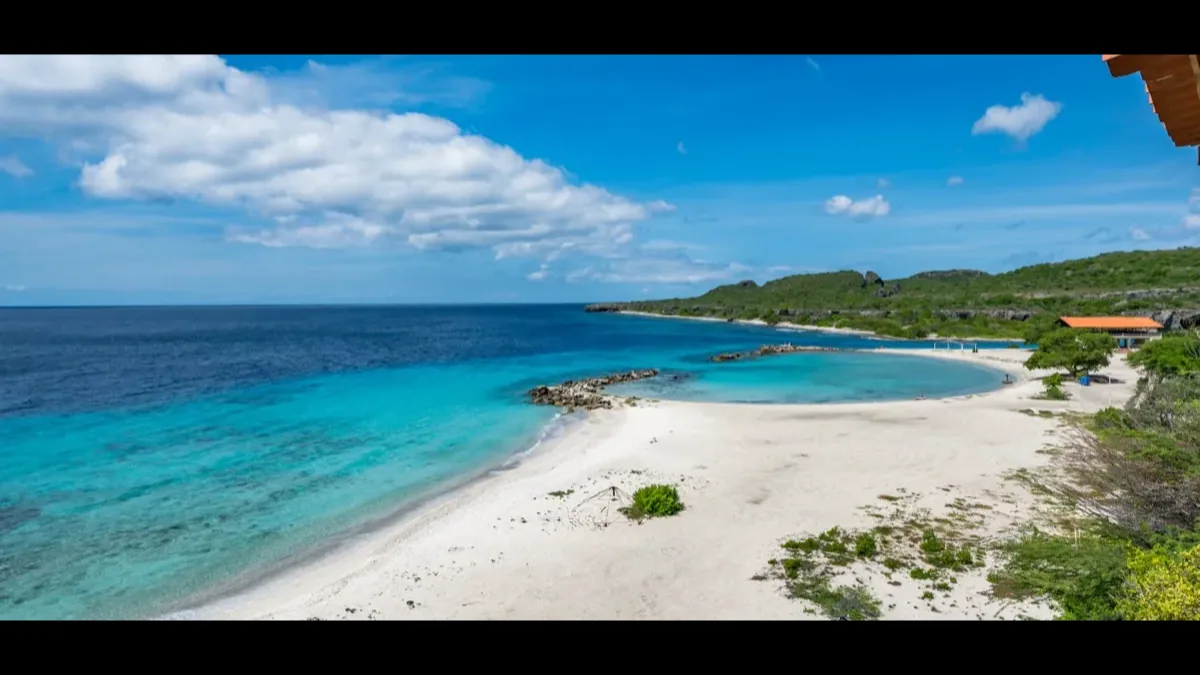
Planning a trip from Brazil to Curaçao? The white-sand beaches and colorful streets of Willemstad are waiting-but before you pack your sunscreen, there's one form you can't skip.
The Curaçao Digital Immigration Card is mandatory for every non-resident visitor, and getting it wrong can cause stress at the boarding gate or delays on arrival.
The good news for Brazilian travelers: the process is straightforward once you know what to expect. This guide walks you through exactly what to prepare, when to submit your Curaçao immigration form, and the common mistakes that trip up first-time visitors.
By the end, you'll know how to complete the card correctly and arrive at Hato Airport ready to breeze through immigration.
Let's make sure your paperwork is sorted, so the only thing you have to think about is the ocean view.
What is the Curaçao DI Card, and why does Brazil need it?
The Curaçao Digital Immigration Card is an online entry declaration required by the Curaçao Immigration and Customs Service. Its official name is the Digital Immigration Card, but you'll often see it called the DI Card or ED Card (its legacy name from the old paper system).
Here's the key point for Brazilian travelers: the DI Card is not a visa. Brazil is on Curaçao's visa-free list, so you won't need a Dutch Caribbean short-stay visa to enter. However, the DI Card is a separate requirement, and it applies to all non-resident visitors regardless of nationality. Since October 1, 2019, the old paper ED Card has been fully abolished and replaced by this digital form.
In short: visa-free entry doesn't mean form-free entry. Brazilian passport holders still need to complete the DI Card for every trip.
What documents do Brazilian travelers need to prepare?
You don't upload any documents to complete the DI Card-but you do need the right details on hand. Gather these before you start the Curaçao travel form:
- Valid passport details - passport number, country of issue, and expiry date
- Travel details - flight number, airline, and arrival date
- Accommodation details - full hotel name and address, or your host's full name, address, and contact phone number
- Length of stay - the number of nights (minimum 1, maximum 90)
- A valid email address - this is where your PDF confirmation is sent
The form itself takes roughly 5–10 minutes to complete once you have this information ready.
What you'll need to show on arrival at Hato Airport
Completing the form online is only half the story. When you land at CUR (Curaçao International Airport, also called Hato Airport in Willemstad), an immigration officer may ask to see:
- Your valid passport-the same one you used on the DI Card
- Your DI Card PDF, printed or on your phone
- A return or onward ticket
- Proof of accommodation
- Proof of sufficient funds (roughly USD 50 per day if staying in a hotel)
- Travel or medical insurance (strongly recommended, though not always required)
If you're traveling with a minor who isn't accompanied by both parents, bring a parental consent letter and the child's birth certificate.
When should Brazilian citizens fill out the Curaçao immigration form?
Timing matters more than people expect. You can submit the DI Card up to 7 days before departure, but the recommended window is 24–48 hours before your flight-after you've confirmed your final flight details.
Why wait? If you submit too early and your flight changes, your travel details won't match. The DI Card asks for your exact flight number and arrival date, so it's best to lock those in first. If a delay happens, don't panic: the DI Card remains valid if your flight is delayed by up to one day.
A practical approach for Brazilian travelers: once your flight is confirmed and you've checked in mentally for the trip, sit down with your passport and complete the form. That way it's done well before you head to the airport.
How to fill out the Curaçao DI Card step by step
The official portal is dicardcuracao.com, and the form is completely free. Here's the process:
- Go to dicardcuracao.com.
- Choose Fill out new DI Card, or retrieve your existing data if you've visited before.
- Enter your personal details: full name exactly as it appears on your passport (no nicknames), date of birth, nationality, passport number, and expiry.
- Enter your travel details: flight number, airline, and arrival date.
- Enter your accommodation: full hotel name and address, or your host's full name, address, and phone.
- Enter your intended length of stay in nights.
- Provide your email address.
- Review everything-your name must match your passport exactly.
- Submit. A PDF confirmation is emailed to you immediately.
- Print the PDF or save it to your phone.
Returning visitors have a shortcut: you can retrieve your stored data and update only the travel details for each new trip.
Common mistakes Brazilian travelers should avoid
Most DI Card problems come down to small errors that are easy to prevent. Watch out for these:
- Using a nickname instead of your full legal name. Your name must match your passport exactly. "João" written as "John," or an abbreviated surname, can cause issues.
- Entering the wrong passport number. Check it character by character.
- Submitting an old or incorrect flight number. Only fill in the form after confirming your final flight.
- Leaving the accommodation address incomplete. A full hotel name and street address are required.
- Filling out one DI Card for the whole family. Every non-resident needs their own form-including infants.
- Forgetting to save or print the PDF. You need it before you leave for the airport.
- Falling for unofficial websites. Some third-party sites charge a fee for what is a free government service. Always use dicardcuracao.com.
One more thing worth repeating: some airlines check your DI Card at the departure gate before boarding. Always have your PDF ready before you leave home-not just for arrival in Curaçao.
Before you head to the airport
The Curaçao DI Card is a small task with a big payoff: a smooth arrival in the Caribbean. Take a few minutes to review every field carefully before you submit-your name, passport number, flight details, and accommodation should all match your documents exactly.
Once you've submitted, save the PDF to your phone and print a backup copy. Keep it somewhere easy to reach, because you may need to show it at the boarding gate as well as on arrival at Hato Airport.
Complete the form at the official portal, dicardcuracao.com, and double-check your details today. Then all that's left is to enjoy your trip.
Frequently asked questions
No. Brazil is on Curaçao's visa-free list, so Brazilian passport holders don't need a Dutch Caribbean short-stay visa for short stays. You still must complete the DI Card, which is a separate entry requirement for all non-resident visitors.
Yes. The Curaçao ED Card and DI Card are the same thing. "ED Card" is the legacy name from the old paper Embarkation-Disembarkation system, which was abolished on October 1, 2019. The official current name is the Digital Immigration Card, completed online.
You can submit it up to 7 days before departure, but the recommended time is 24–48 hours before your flight, once your travel details are confirmed. This avoids errors from last-minute flight changes.
Yes. Every non-resident traveler needs their own individual DI Card, including children and infants. A single family form is not accepted-complete a separate card for each person.
The DI Card is generated as a PDF once submitted. If your details change, the safest approach is to complete a new form with the correct information rather than travel with an inaccurate card. Returning visitors can retrieve stored data and update travel details for future trips.
Yes. The official form at dicardcuracao.com costs nothing. Be cautious of unofficial third-party websites that charge a fee for submitting this free government form on your behalf.